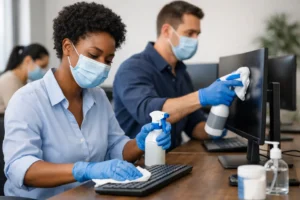
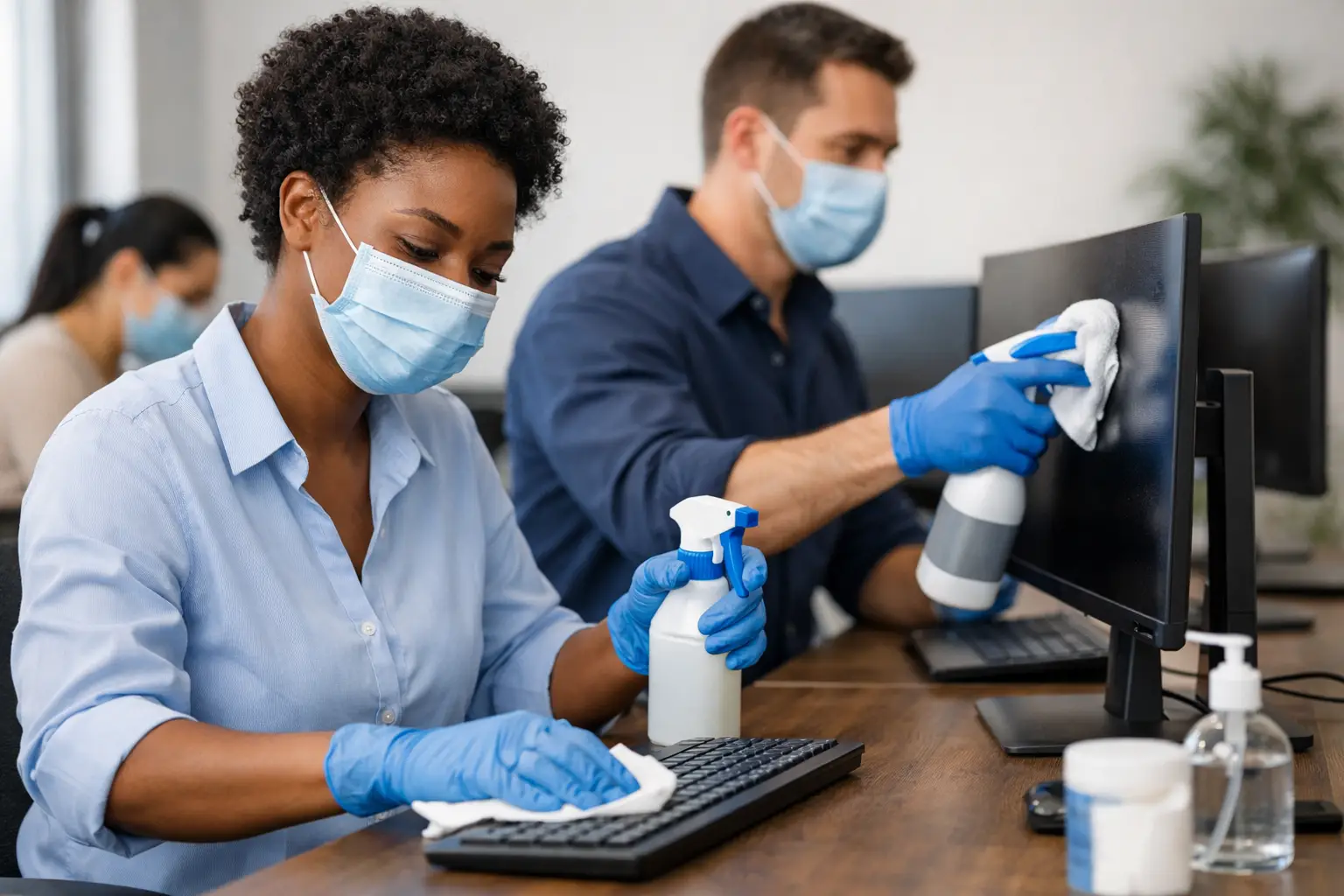
A shared workstation can pass through several hands in one shift: an operator finishing a production run, a supervisor reviewing records, a relief employee covering a break, or a contractor servicing equipment. That makes the keyboard, mouse, desk surface, chair controls, touchscreen, and nearby tools a practical sanitation concern. Knowing how to disinfect shared workstations is not about spraying every surface at random. It is about applying a repeatable, documented process that removes soil, uses the right disinfectant correctly, and protects both people and equipment.
Thank you for reading this post, don't forget to subscribe!For facilities managers, environmental services teams, and operations leaders, the standard should be clear: use a process employees can follow under real shift conditions, not one that only works on paper.
Start With Risk, Surface Type, and Use Pattern
Not every shared workstation needs the same frequency or chemistry. A reception desk in a government building, a dispatch console in an airport, a nurse station terminal, and an industrial control panel have different traffic levels, materials, and operational restrictions.
Begin by identifying high-touch points. These usually include keyboards, mice, touchscreens, phones, desk edges, drawer pulls, chair arms, badge scanners, pens, headsets, and frequently handled tools. In manufacturing or maintenance environments, include control buttons, handheld scanners, radio microphones, and cabinet handles.
Then consider how often the station changes users. A desk assigned to one employee for a full day may require routine daily disinfection and additional cleaning when visibly soiled. A hot-desk area, timeclock station, shared control room, or production terminal may require disinfection between users or at designated shift-change intervals. The correct schedule depends on occupancy, operational risk, public access, and facility policy.
Surface compatibility matters just as much. Some disinfectants can damage certain plastics, coatings, display films, leatherette seating, or electronic equipment if used improperly. Product labels, manufacturer guidance for the equipment, safety data sheets, and technical specifications should be part of the selection process. A disinfectant is only a sound operational choice if personnel can use it safely and the surface can tolerate it.
How to Disinfect Shared Workstations in the Right Order
Disinfection works best on a surface that is already clean. Dust, grease, food residue, oils, and visible soil can prevent the disinfectant from reaching microorganisms effectively. In industrial settings, residue from lubricants or process materials may require an appropriate cleaner or degreaser before disinfection.
A dependable workstation process follows a simple sequence: remove debris, clean visible soil, apply the disinfectant, keep the surface wet for the required contact time, and allow it to air dry unless the product label directs otherwise. Do not treat wiping a disinfectant on and immediately wiping it off as disinfection. If the surface dries before the label-required contact time has passed, the application may not meet the product’s stated efficacy.
For electronics, avoid spraying product directly into keyboards, ports, vents, touchscreens, or controls. Apply the compatible product to a lint-free wipe or cloth according to label instructions, then wipe the surface carefully. The objective is complete surface coverage without introducing excess liquid into equipment.
Work from cleaner areas toward dirtier areas and from higher surfaces to lower surfaces. Replace wipes when they become dry, heavily soiled, or have been used across multiple areas. Reusing one contaminated wipe across a workstation can spread soil instead of removing it.
Choose a Disinfectant Based on the Claim and the Label
Facilities should select an EPA-registered disinfectant with claims appropriate to their environment and use it exactly as labeled. The label is not a suggestion. It defines the approved use sites, dilution requirements where applicable, contact time, personal protective equipment, surface restrictions, and disposal requirements.
For a general office or commercial setting, a disinfectant appropriate for hard, nonporous high-touch surfaces may be sufficient. Healthcare, aviation, food-adjacent, government, and military environments can have additional protocols or contract requirements. Those requirements may specify approved chemistries, documentation, infection-control procedures, or cleaning frequencies.
Avoid broad claims that a product will solve every sanitation concern. A disinfectant’s effectiveness depends on the organism claim, surface type, correct dilution, contact time, and application method. If the workstation has porous components, fabric surfaces, or unfinished materials, confirm that the product is approved for those surfaces before use.
Environmentally responsible chemistry can be part of a high-performance sanitation program, but “greener” should not mean undocumented or underpowered. Procurement teams should seek products backed by clear technical data, safety documentation, and regulatory information that aligns with facility requirements.
Protect Employees During the Process
A shared workstation protocol must account for the person performing the work. Even ready-to-use products require proper handling, ventilation considerations, and training. Make sure employees understand the product label, know where to find the safety data sheet, and can identify when gloves or other protective equipment are required.
The following controls keep the process consistent:
- Use only approved products in their original labeled containers or properly labeled secondary containers.
- Follow dilution instructions precisely when using concentrates. More chemical does not automatically mean better disinfection.
- Never mix disinfectants, cleaners, or other chemicals unless product instructions specifically authorize it.
- Keep food, beverages, and personal items away from surfaces while they are being cleaned and disinfected.
- Wash hands after removing gloves and after completing the task.
If blood or other potentially infectious material is present, routine workstation disinfection is not enough. Follow the facility’s exposure-control plan and applicable workplace safety procedures. Personnel may need specialized training, personal protective equipment, containment practices, and approved cleanup materials.
Build the Routine Into Shift Operations
The best procedure is one employees can perform without interrupting critical work. Place approved wipes or other compatible supplies close to shared stations, but store them in a manner that protects product integrity and prevents unauthorized substitution. A workstation without available supplies will quickly become a workstation that is skipped.
Assign responsibility clearly. In some facilities, each user disinfects the station before leaving it. In others, supervisors or environmental services staff complete the task at defined intervals. High-compliance operations often use a layered approach: users address touchpoints between handoffs, while trained cleaning staff perform scheduled, more thorough cleaning and disinfection.
Documentation should match the level of risk. A simple office may need a posted schedule and restocking check. A regulated or contract-driven facility may need shift logs, product lot tracking, inspection records, training documentation, and corrective-action procedures. Documentation does more than satisfy an audit. It reveals missed intervals, supply gaps, and recurring equipment compatibility problems before they become larger failures.
Verify the Process Instead of Assuming It Works
Visual inspection is the first checkpoint. Are keyboards free of debris? Are screens streak-free and undamaged? Are wipes available, containers labeled, and supplies within expiration dates? Supervisors should also observe technique periodically, especially after introducing a new product or changing a workstation layout.
When sanitation requirements are stringent, verification may include checklists, ATP monitoring where appropriate, environmental services audits, or other facility-approved quality controls. These tools do not replace proper disinfection technique, but they can identify whether cleaning activity is actually reaching the surfaces that matter.
Train for the real barriers employees face. A worker wearing gloves may struggle with a small wipe dispenser. A control panel may not be able to remain wet for a long contact time while equipment is running. A shared office may have personal clutter blocking thorough cleaning. Addressing these operational details is more effective than issuing a generic reminder to “sanitize often.”
Veteran Commercial Cleaning supports facilities that need professional-grade sanitation solutions backed by the documentation, performance standards, and responsible chemistry expected in demanding environments. For procurement teams, consistency begins with selecting products and procedures that fit the facility’s actual risk profile.
A shared workstation protocol earns trust when it is simple enough to follow at shift change, specific enough to withstand inspection, and disciplined enough to protect the next person who sits down.